
Turn raw dish photos into high-converting menu images
Automatically enhance, clean up, and format restaurant food photos for online delivery platforms at scale.
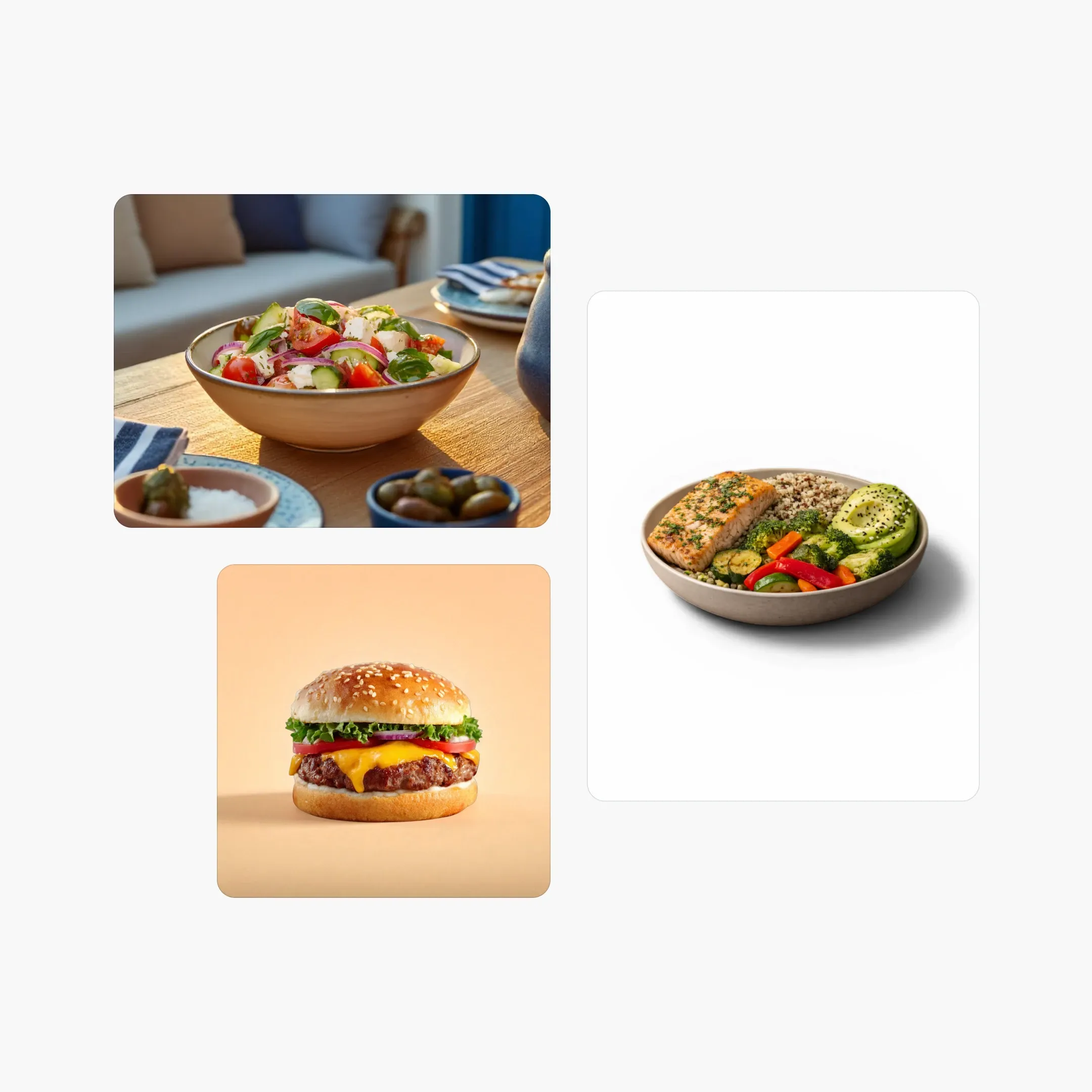
Flawless menu visuals. Higher conversion rates.
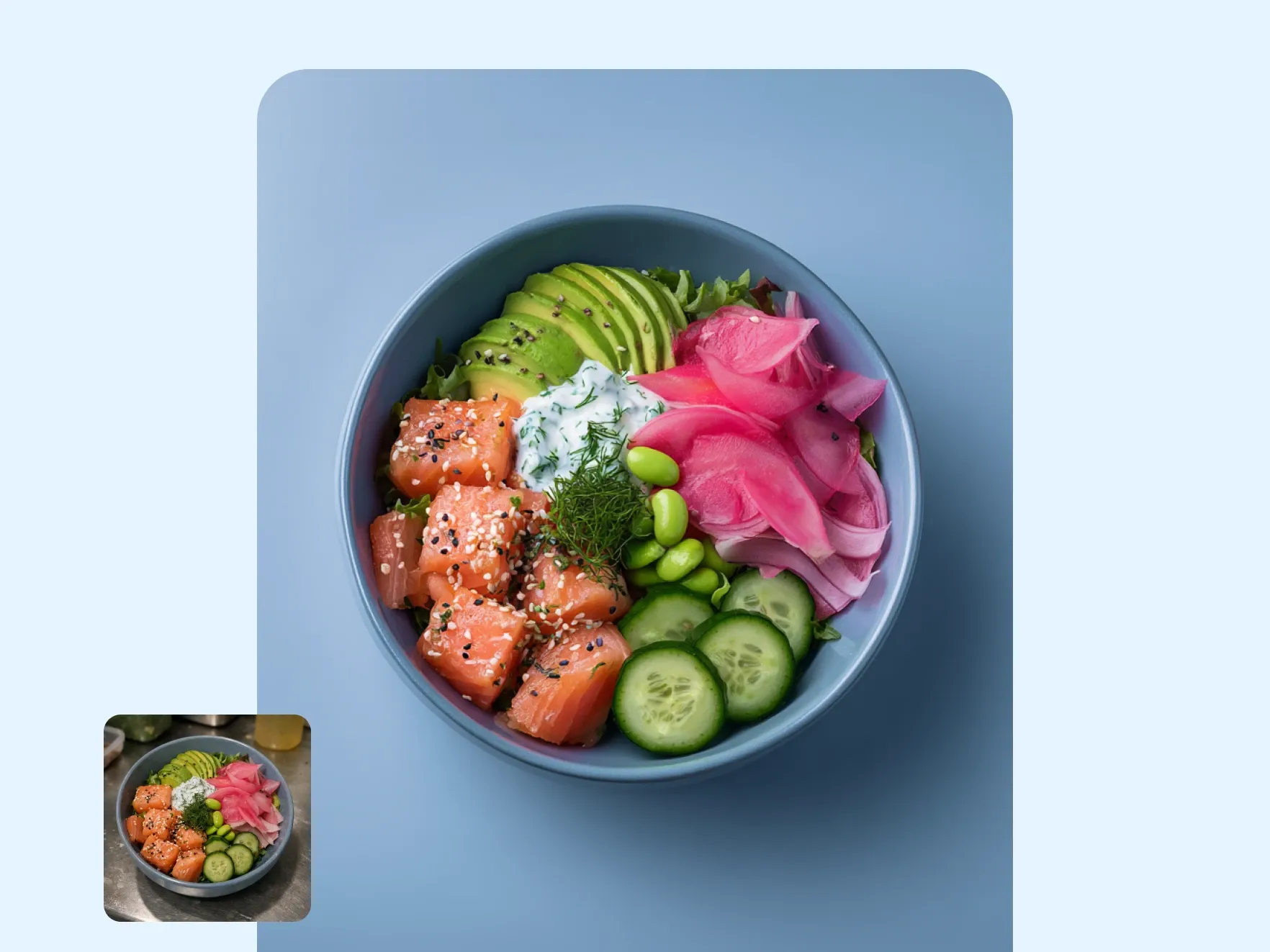
Convert casual kitchen snaps into crave-worthy dishes
Unfiltered kitchen photos often suffer from poor lighting, harsh reflections, and messy backgrounds. PicForge automatically isolates the meal, adds a studio-grade surface, and enhances natural color saturation. Make your meals look irresistible, appetizing, and ready to sell on any online storefront.
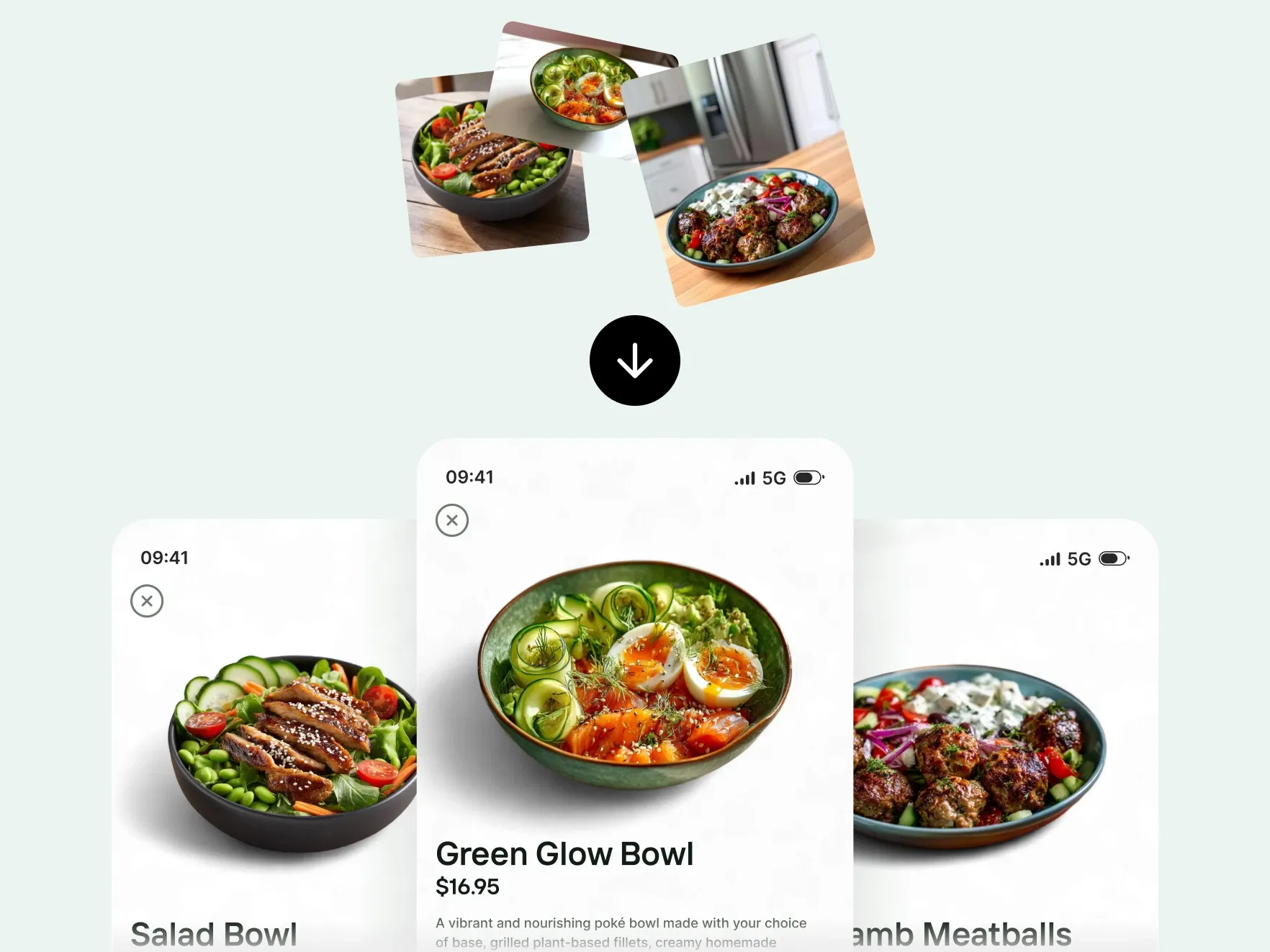
Complete your entire digital menu catalog automatically
Missing dish photos cost delivery apps and restaurants real sales. PicForge fills catalog gaps by generating cohesive, stylized imagery that perfectly matches your existing food photos. Enterprise partners rely on this seamless approach to standardize tens of thousands of menu items across global markets.
Customer success stories
Trusted by leading food delivery platforms and restaurant chains worldwide
"PicForge completely revolutionized our menu onboarding. Automating background cleanup made every dish look unified, allowing us to publish partner menus faster than ever before."

- Thomas Israel C.E.O
"The efficiency gains are massive. Tasks that used to take hours in Photoshop are now completed in seconds using PicForge. It is a total game-changer for our workflow."

- Carl Oliver P.A
"As a commercial photographer, I was hesitant about AI photo editing. However, PicForge delivers impressively realistic backgrounds that keep the dish authentic and enticing."

- Barbara McIntosh M.D
"Engineered the image processing behind a viral marketing campaign reaching over 3 million social engagements."

- Jill Webb Manager
Does PicForge make menu items look delicious without altering the actual food content?
Absolutely. The AI isolates the dish, corrects lighting, and replaces cluttered backgrounds with pristine surfaces—enhancing overall visual appeal while accurately preserving the original meal.
How does PicForge fix missing images in a restaurant menu catalog?
PicForge synthesizes high-quality, complementary visuals that adopt the exact lighting, camera angle, and background style of your current menu assets for complete visual uniformity.
Is the PicForge API capable of processing high-volume enterprise workflows?
Yes. Our scalable infrastructure easily processes massive volume spikes—from rapid merchant onboarding to multi-market catalog synchronization involving millions of images.
Can exported photos automatically match specific delivery app guidelines?
Yes. You can configure custom channel presets to automatically crop, adjust aspect ratios, remove unwanted utensils, and output approved file formats for each delivery platform instantly.
Questions about automated photo editing?
Need a custom enterprise setup or API integration? Reach out to our team.
Contact us