
AI background generator for product photos

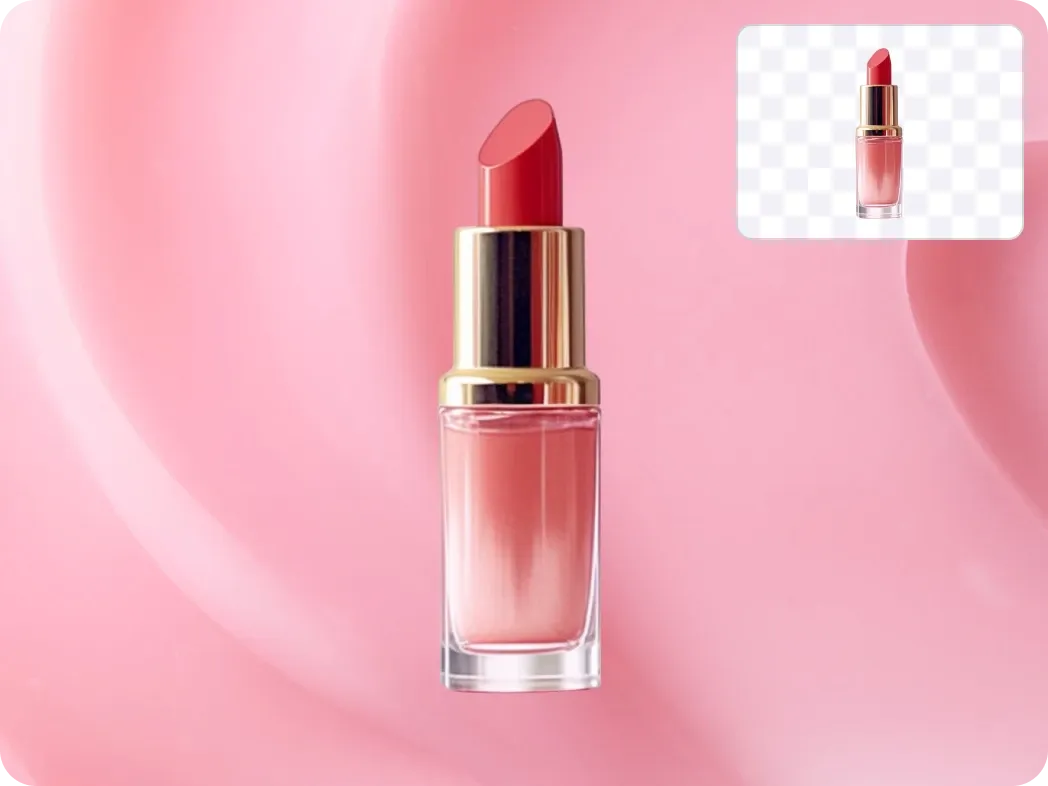
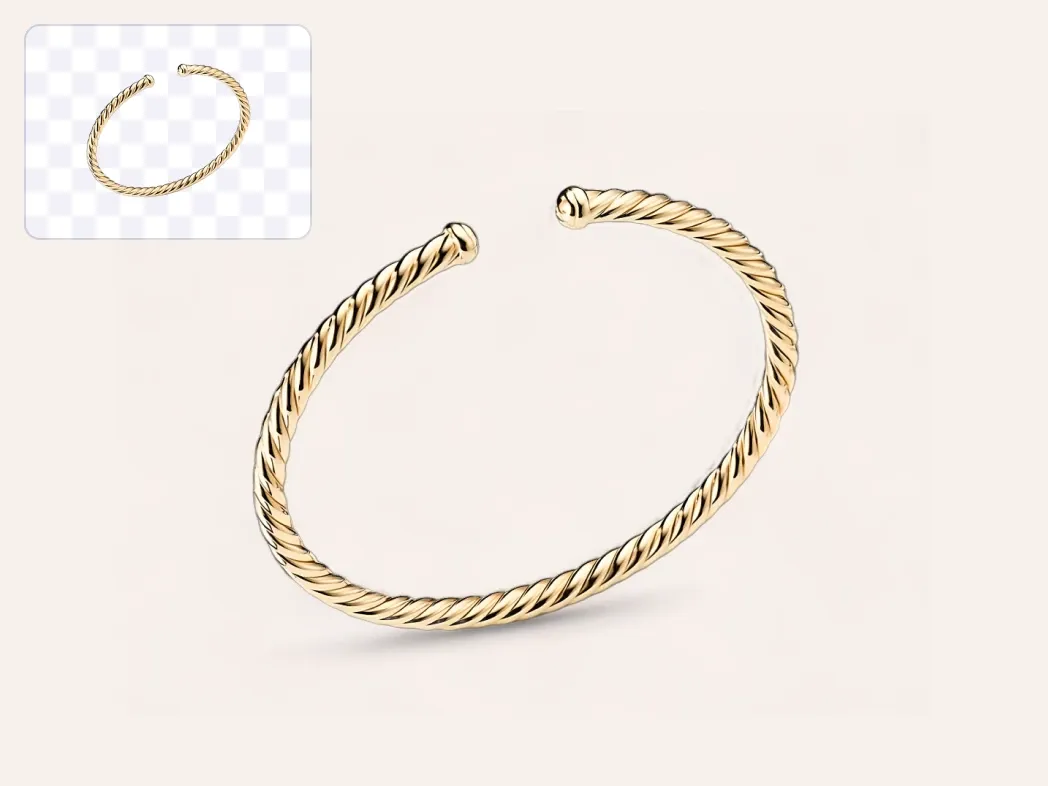
Upload a product photo and AI generates a new scene around it - from a dark studio to a marble kitchen - with matching light and shadows, as if it was shot right there.

PicForge - professional product visuals powered by AI.
Optimizes for Amazon, eBay, Etsy etc.

Just need a solid color, gradient or your own image behind the product? Use the free Change Background tool →

Sushi platter on a dark slate table - AI-generated background AI background
Original sushi platter photo on a white background Before
Sushi platter on a white marble countertop - AI-generated background
Sushi platter on a wooden table with sakura petals - AI-generated background
How it works ?

Just 3 clicks

Product photo

Step 1: Upload photo

For example, a photo of a dish

  • Any photo will do
  • Cropped
  • Poor quality

Step 2: Choose concept

  • Choose a studio
  • In Wishes type: "Thematic background"
Choose concept
Result image

Step 3: Download the result

Ready for your store:

  • Amazon
  • eBay
  • Etsy

Generate Realistic Product Scenes with AI

Forget renting studios or pasting a cut-out onto a stock photo. PicForge AI generates a background made for your product - with realistic light, reflections and shadows - in seconds.

Manual Editing & Simple Background Swaps

  • Hours spent cutting out edges and searching for a stock backdrop that fits
  • Pasted products look flat, with no matching light, shadows or perspective
  • Expensive studio retouchers charging per image with days of turnaround

PicForge AI Background Generator

  • A unique AI-generated scene for every product in 2 clicks
  • Light, shadows and reflections matched to your product automatically
  • Unlimited background changes starting at just $5 per pack

Try it now
Music background
Jewerly background
Pomade background

FAQ

Frequently Asked Questions

Upload your product photo to PicForge, choose a concept (such as a Japanese-themed setup, rustic wood table or dark studio) or describe the scene you want, and the AI generates a new background around your product while keeping the product itself unchanged, with realistic lighting and shadows.

A regular background changer cuts out the product and places it on a color or image. The AI generator creates a new scene around the product and matches light, shadows and perspective, so the result looks like a real photoshoot. For a quick swap to a solid color, gradient or your own image, use our free Change Background tool.

The AI detects fine details, glass transparency and soft rim lighting, and blends them naturally into the generated scene - even on complex food and drink photos.

Yes! Upon registration, you receive 12 free energy credits to test different AI background styles and themes for your products without requiring a credit card.

Can't find your question? Contact us and we'll help.

Login